Employees
Hand off the busywork.
Share Bots across teams and put them to work in the workspace, Slack, or Teams. Review results and approve the actions that need you.
See how Bots workGive your company a place to work with the agents your engineers build. Bring them into everyday workflows, connect the tools people use, and keep access and actions under your company’s control. Your infrastructure. Your code.
Built by CopilotKit, creators of AG-UI.
See the work and act on the result. Review findings, work with interactive results, and approve the next step in the same conversation.
 Read the misconnect playbook
 Read 12 messages in #ops-daily
 Checked 212 connecting passengers
Three turns ran late, all on the evening bank. KT 482 to Boise is the worst at 52 minutes, and 14 of its passengers would miss their connection. I drafted their rebookings on KT 488 for the desk to confirm, and posted the summary to #ops-daily.
14 rebookings drafted on KT 488
 Filed OPS-318 for the Denver station team
 Emailed the Boise station leadPosted to #ops-dailyRead the misconnect playbookRead 12 messages in #ops-dailyChecked 212 connecting passengers
Three turns ran late, all on the evening bank. KT 482 to Boise is the worst at 52 minutes, and 14 of its passengers would miss their connection. I drafted their rebookings on KT 488 for the desk to confirm, and posted the summary to #ops-daily.
14 rebookings drafted on KT 488
Filed OPS-318 for the Denver station teamEmailed the Boise station leadPosted to #ops-dailyOpenBot for Business™ brings employees, IT, and engineers together around the same AI coworkers.
Share Bots across teams and put them to work in the workspace, Slack, or Teams. Review results and approve the actions that need you.
See how Bots workManage who has access, which tools Bots can use, and which actions need approval. Choose where the workspace runs and keep an audit trail.
Explore deploymentConnect your existing agents, models, and tools. Give your company one workspace to use them without rebuilding your agent stack.
Connect your agentsOpenBot is a composable workspace for your agents, models, and tools. Its modular design lets you switch model providers or connect a new tool while keeping the agents and infrastructure you already use.
Connect Claude Agent SDK, LangChain, Google ADK, or another AG-UI-compatible agent. Your prompts and tools come with it.
 Claude Agent SDK
 OpenAI Agents SDK






Use OpenAI, Claude, Gemini, or Grok with your own subscriptions or API keys, or open models like Kimi, DeepSeek, Qwen, Nemotron, and Mistral. Keep the provider relationships you already have.
OpenAIClaude Gemini
 Grok
 Kimi
 DeepSeek
 Qwen
 Nemotron
 Mistral
Every product here gives you capable AI coworkers. The differences show up later: whose agents, whose models, whose servers, and whose rules.
Comparing OpenBot with Claude, OpenAI dots, OpenClaw.
 OpenBotFor Business | ClaudeAnthropic | OpenAI dotsOpenAI | OpenClawOpen source | |
|---|---|---|---|---|
| Model lock-in | Yes: Future-proof. Any closed or open model, through your subscriptions or API keys | No: Locked in. Claude only, from Anthropic or the big clouds | No: Locked in. OpenAI’s models only, picked by OpenAI | Yes: Future-proof. Any model, from any provider or locally |
| Agents | Yes: Developer-loved. The agents your engineers already write, in the frameworks & harnesses they use — through AG-UI | No: Developers locked out. Your agents can’t run in it, even on Anthropic’s SDK | No: Developers locked out. Only OpenAI’s agent; yours only as tools | Limited: Built around its own agent. Only coding tools plug in, on its own server |
| Modularity | Yes: Modular by design. Great defaults, or plug in your own skins, sandboxes, MCP hubs, and more | No: Closed product. Only tools and sign-in plug in | No: Closed product. Only tools, a computer, and sign-in plug in | Limited: Plugins around its own agent. Swap anything but its agent |
| Ownership | Yes: Yours. Your infrastructure, your brand, and the MIT code | No: Anthropic’s. Anthropic’s service, closed code | No: OpenAI’s. OpenAI’s cloud, closed code | Yes: Yours. Your machines or servers, and the MIT code |
| Built for the enterprise | Yes: Governance designed in, from CopilotKit (SOC 2 Type II) | Yes: A mature Enterprise plan | Basic: Launched last month, on ChatGPT Enterprise | No: Alpha, by its own rating |
| Enterprise support and forward-deployed engineers | Yes: Full support, plus engineers who embed with your team | Limited: Engineers only for top accounts | Limited: Through a separate consulting arm | No: Community support only |
Connect your existing MCP tools or choose integrations from the available catalogs. Give each Bot the access it needs, with company policies governing what it can do.
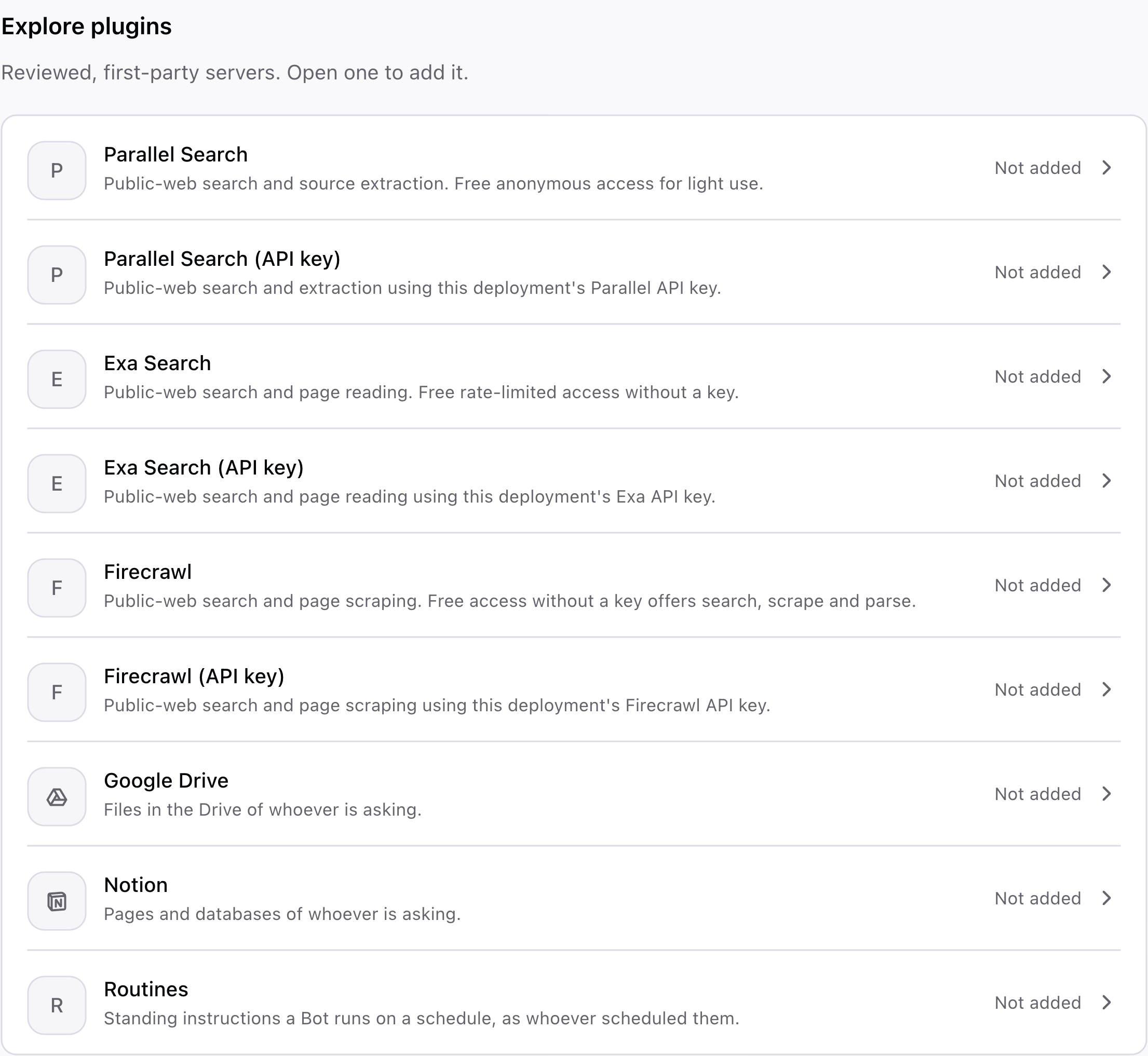
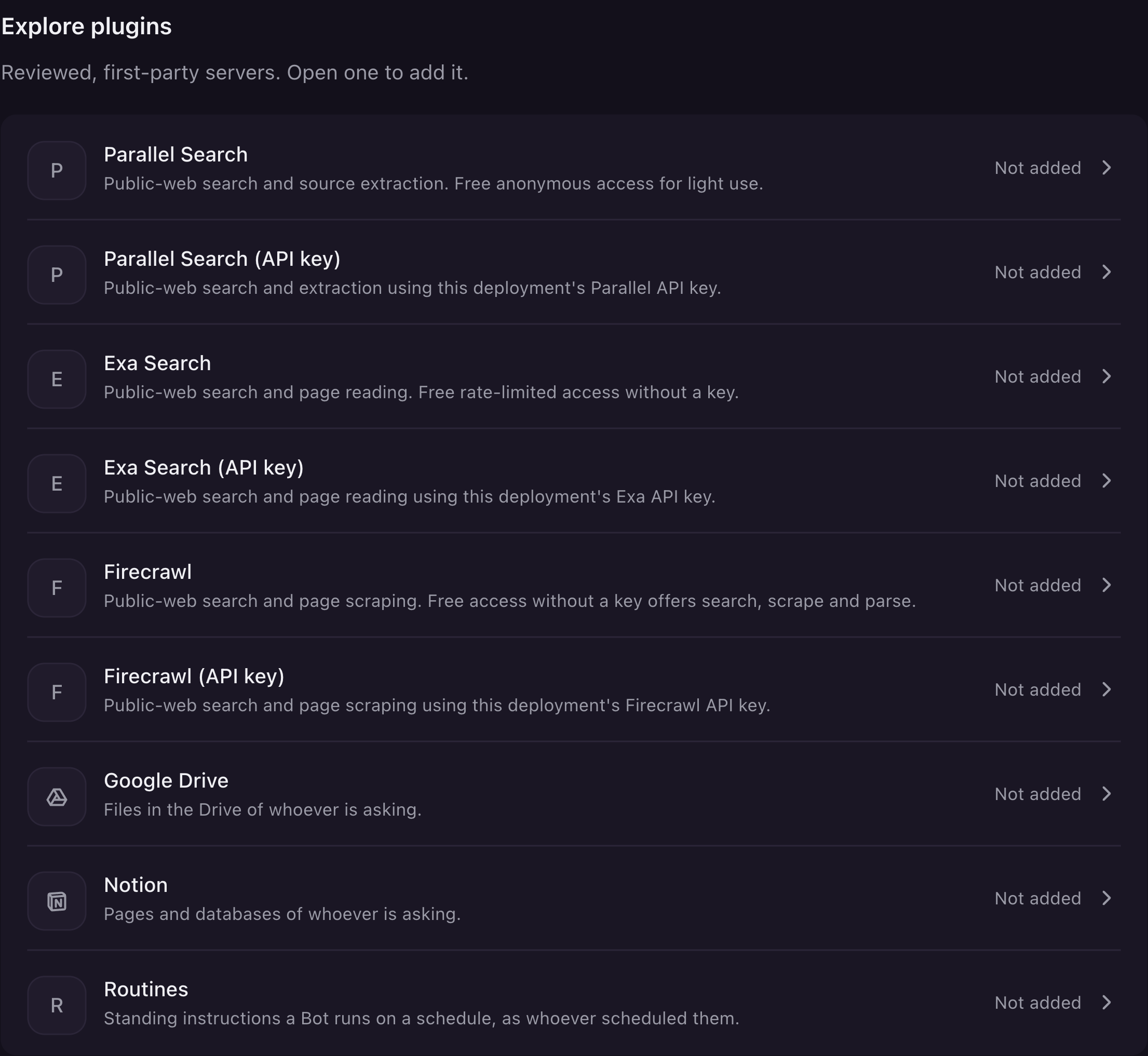
Enable the services your team needs, then grant tools to the Bots that need them. People connect their own accounts.
Block actions that should never happen. Require approval for sensitive work, so people keep the decisions that matter.
Review the audit trail when a task needs attention. Your admins can trace actions and decisions instead of chasing context across chat windows.
Teach your agents directly, or let them learn from everyday work. OpenBot observes patterns, develops reusable skills, and improves how tasks get done, with people in control.
Decide what agents can do, what needs approval, and what stays off limits. Give your security team a record of the actions taken.
Read ticket#4821 Postedin #support
Posted in #support and assigned #4821 to Billing.
Access check
Posting to #supportAsk a person firstAllowed by Dana Ruiz
Recorded 10:42:07
Show an agent how a task is done to teach it directly. It also learns as it works, picking up patterns and turning successful approaches into skills. You don’t have to teach every step for your agents to get better.
From a developer’s laptop to your company’s private cloud. Deploy into your own network in one click, or talk to us about a hosted deployment.
Into your own AWS or Azure network, Google Cloud, or any Kubernetes cluster. One Helm chart, running inside your network.
Connect your agents and tools, and try a workflow on your laptop.
Work with our engineers on a focused proof of concept, with agreed goals and success criteria.
Choose your deployment, connect company identity, and bring more teams on board.
Give your team AI coworkers without moving the workspace outside your infrastructure. Your admins control access, data, and the services it connects to.
OpenBot gives your security, IT, and finance teams the controls they expect. Decide who gets in, what each Bot can do, and what it can spend, with a record of everything it touches.
Slack · Post messages
On iOS, Android, Slack, and Teams, as well as desktop and web. Linked identities keep every conversation and approval connected to you.
DesktopYour Bots, tools, and conversations on your Mac or Windows laptop.
Web Coming soonOpen your workspace from any browser.
Request web accessOne person sets the direction. An orchestrator coordinates specialists across six functions, with a person approving the work that matters.
This is a real story of a company that built its entire go-to-market team on OpenBot, with 20 AI agents in real roles and one executive setting the direction.
An executive needed to build a go-to-market team to handle all of the company’s sales and marketing work, except meeting directly with buyers. That part had to be done by people.
Using CopilotKit OpenBot, the company made 20 AI agents, and one person built them all and runs them.
Each agent holds a real GTM role, such as growth strategist, ABM specialist, demand gen manager, enterprise SDR, RevOps engineer or pipeline strategist. Each one has a written job description and works in its own tools. Across the team, those come from seven products:
The agents picked their own names, each after a TV or film character who fits the job. That is how the demand gen manager became Don Draper, the program manager became Leslie Knope and the librarian became Rupert Giles.
One agent sits above the specialists. Nicky Fury, the orchestrator, takes direction from the executive, assigns each piece of work to the right specialist and coordinates the hand-offs between them.
Work starts with a message from the executive. It can be a single line, such as “Build pipeline for the AWS launch by Friday.” Nicky Fury works out who should do what and passes each part to a specialist, who does it in their own tools and hands the result on to whoever needs it next.
When the outreach is ready, the executive approves it before it goes out.
Every night, a QA analyst audits the team’s output. A program manager runs the work in two-week GTM cycles, and a librarian keeps the team’s shared memory, so lessons from one cycle carry into the next.
The executive sets the strategy and makes the decisions only a person can make, and people still hold every meeting with buyers. The agents do the rest of the work, across strategy, marketing, sales, data and RevOps.



 Anthropic
 OpenAI
 Gemini